Choosing BOM software for manufacturing units means picking between spreadsheets, standalone PLM tools, bolted-on add-ons, and ERP-integrated systems — and only one of those keeps your bill of materials connected to purchasing, inventory and GST filing without manual re-entry.
- Oxapher wins as BOM software for manufacturing units that need purchase and inventory in one system — Buy in 2026.
- Spreadsheet BOM tracking fails past 50 SKUs and multi-level assemblies — Skip once production scales.
- Standalone PLM tools handle engineering BOMs well but skip GST and purchasing — Consider only for R&D-only shops.
- Job Work In/Out tracking matters more than dashboards for India's job-work-heavy manufacturing units.
Why this matters
A bill of materials that lives in a spreadsheet is a liability the moment two people edit it at once. Manufacturing units running multi-stage production — raw material in, sub-assembly out, finished goods shipped — need the BOM to update stock, trigger purchase orders and feed production costing automatically. Miss that link and you're reconciling numbers by hand every week in 2026, which is exactly the kind of manual work BOM software exists to remove.
GST compliance raises the stakes further. HSN/SAC codes, e-invoicing and GSTR-1/GSTR-3B filings all depend on accurate stock and sales data — data that starts at the BOM level. Software that treats BOM management as a standalone module, disconnected from accounting, just moves the reconciliation problem downstream.
Who this is for
This guide is for Indian SME and MSME manufacturing units running multi-stage production — think component assemblers, textile units, job-work shops and light engineering manufacturers who currently track bills of materials in Excel or a disconnected accounting tool. If your production floor issues raw material, tracks batches, and needs the finished cost to flow straight into a GST invoice, Oxapher is built for exactly that workflow.
It's not for pure product-design studios with no manufacturing floor — those buyers need PLM software focused on revision control, not inventory and GST.
What to look for in BOM software for manufacturing units
Multi-level BOM support
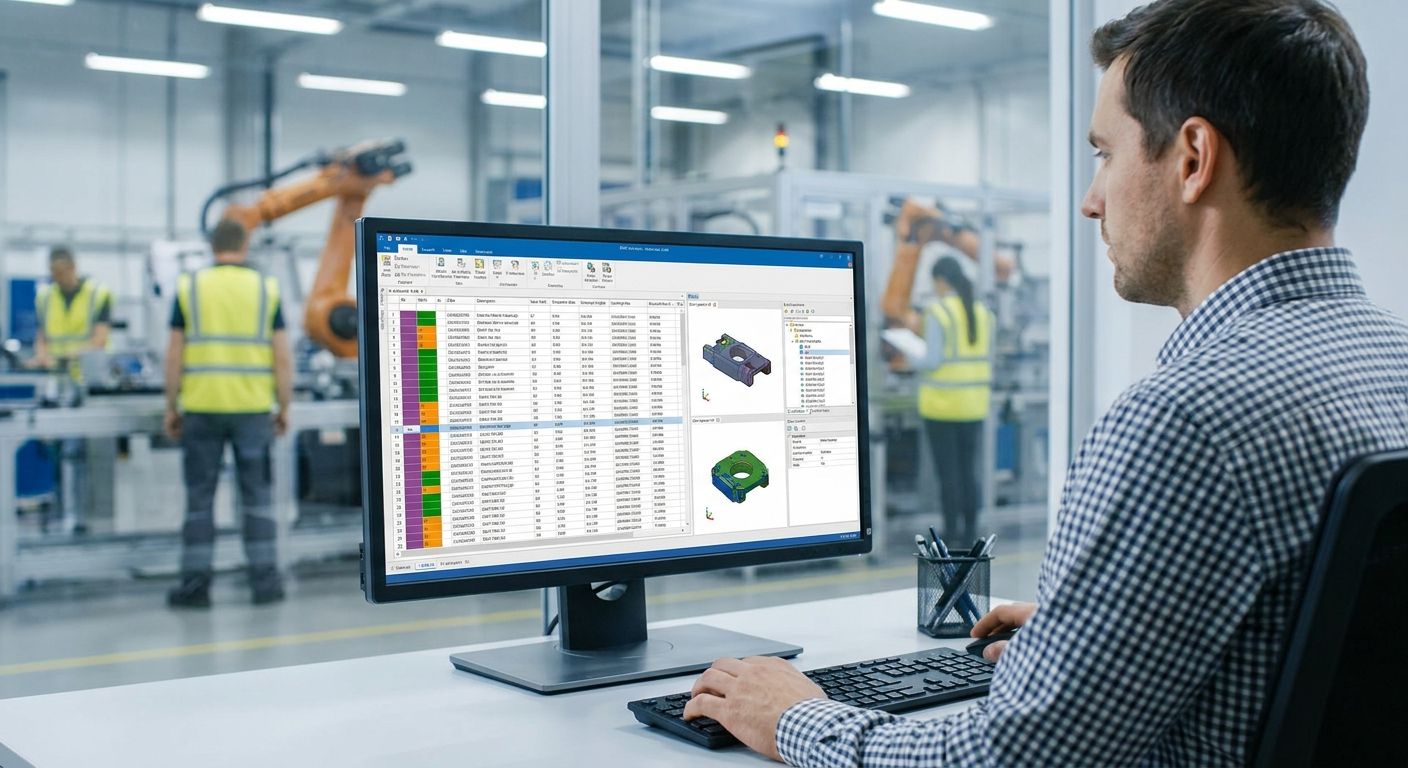
A single-level BOM lists raw materials for one finished good. Manufacturing units running sub-assemblies — a motor housing that itself has ten components — need multi-level BOMs that roll costs up automatically. Without this, production costing is guesswork.
Integration with purchase and inventory
When a BOM changes, purchase orders and stock levels should update without a second data entry step. Look at how purchase order software built for manufacturing SMEs ties reorder points to BOM consumption — that link is what separates BOM software from a static parts list.
Job Work In/Out and job-work costing
A large share of Indian manufacturing runs on job work — sending raw material out for a process and getting it back as a semi-finished good. BOM software that can't track material sent out, material returned, and job-work charges separately forces you back into spreadsheets for this one workflow.
Production costing and QA/QC tracking
Raw material cost plus job-work charges plus rejection and scrap should produce an actual per-unit cost, not an estimate. QA/QC tracking at each production stage catches rejections before they inflate that cost silently.
GST and compliance built-in
GSTIN validation, HSN/SAC mapping, e-invoicing, e-way bills, GSTR-1 and GSTR-3B should pull from the same BOM and sales data — not a separate accounting import. This is the single biggest time-sink 2026-era manufacturing units report when BOM and accounting sit in different tools.
Raw material issue and return tracking
Material issued to the shop floor and returned unused needs its own audit trail, tied to batch and serial numbers where relevant. Skip this and your stock valuation drifts further from reality every production run.
“If your BOM changes weekly but your purchase orders don't update automatically, you're running two businesses instead of one.”
Top picks
1. Spreadsheet or manual BOM tracking — the free start Zero software cost, which is the entire appeal. It works for a single product line with under 50 SKUs and no multi-level assemblies. Past that, version conflicts and manual costing errors compound fast. Verdict: Skip once you run more than one active production line.
2. Standalone BOM/PLM software — the specialist Built for engineering revision control and design-stage BOMs, with strong version history. It has no native link to purchase orders, inventory or GST, so every production run still needs a second system for procurement and filing. Verdict: Consider only if your unit is pure R&D with manufacturing outsourced elsewhere.
3. Oxapher — the connected pick Oxapher ties BOM management, multi-stage production, raw material issue and return, and job-work costing directly into purchase, inventory and GST invoicing inside one CRM for manufacturing businesses in India. A BOM update here reflects in stock valuation and the next GST invoice without a manual export-import step. Verdict: Buy for manufacturing units that need BOM software wired into the rest of the business in 2026.
4. Enterprise ERP suites (SAP-class) — the overkill These handle multi-level BOMs and job-work at scale, built for manufacturers running hundreds of crores in turnover with dedicated IT teams. Implementation timelines and the operational overhead don't fit a typical Indian SME production floor. Verdict: Skip unless you're already running enterprise-scale operations.
5. Manufacturing add-ons bolted onto accounting software — the patchwork Some accounting platforms sell a BOM module as an add-on. It tracks cost but rarely handles job-work in/out or multi-stage production natively, so you end up with a third tool for the gaps. Verdict: Skip for units running job work or multi-stage assembly.
See BOM management inside one ERP
Check how Oxapher connects BOM, purchase, inventory and GST for manufacturing units.
What to avoid
- BOM tools with no batch or serial tracking. They look complete on a demo call but fall apart the moment a customer asks which batch a defective unit came from.
- Software that requires a separate GST filing tool. Every export-import step between BOM software and GSTR-1/GSTR-3B filing is a place errors creep in during 2026 filing cycles.
- Anything without Job Work In/Out as a native feature. If job-work tracking is a workaround built on generic "transfer" fields, expect reconciliation headaches every month.
Verdict comparison
| Approach | Multi-level BOM | Purchase/Inventory link | GST compliance | Verdict |
|---|---|---|---|---|
| Spreadsheets | Manual | None | None | Skip |
| Standalone PLM | Yes | None | None | Consider (R&D only) |
| Oxapher | Yes | Native | Native | Buy |
| Enterprise ERP | Yes | Native | Native | Skip (overkill for SMEs) |
| Accounting add-ons | Partial | Weak | Partial | Skip |
FAQ
What is BOM software for manufacturing units?
BOM software for manufacturing units tracks the raw materials, sub-assemblies and quantities needed to build a finished product, and rolls that data into purchasing, inventory and production costing. In 2026, the better tools also connect BOM data straight into GST invoicing.
Is BOM software the same as PLM software?
No. PLM software focuses on design revision control before manufacturing starts, while BOM software inside an ERP tracks the bill of materials through actual production, purchasing and stock movement.
Does Oxapher handle multi-level BOMs?
Yes, Oxapher supports multi-level BOMs so sub-assembly costs roll up into the finished product cost automatically, alongside job-work charges and raw material issue and return tracking.
How much does BOM software cost for an Indian manufacturing SME?
Pricing varies by the modules a manufacturing unit needs, from BOM management alone to a full CRM-to-accounting suite. Check current pricing directly on the vendor's site rather than relying on generic estimates.
Can BOM software connect to GST filing?
Yes, when the BOM software is part of an integrated ERP, GSTIN validation, HSN/SAC mapping, e-invoicing, GSTR-1 and GSTR-3B pull from the same production and sales data instead of a separate import.
What's the difference between BOM software and full ERP software?
BOM software manages the bill of materials and production costing specifically, while ERP software extends that to sales, purchase, accounting and GST across the whole business. Manufacturing units that outgrow spreadsheets usually need the ERP-level version, not a standalone BOM tool.
Do small manufacturing units need job-work tracking in BOM software?
Most Indian manufacturing units that send material out for processing need Job Work In/Out tracking natively, not as a workaround. Without it, job-work charges and returned material get reconciled manually every cycle.
How long does switching from Excel-based BOM tracking take?
Migration time depends on the number of active BOMs and SKUs being moved over, with most SMEs running both systems in parallel for a short overlap period. The bigger factor is how clean the existing spreadsheet data is before import.
One last thing
The real bottleneck for most manufacturing units isn't the BOM itself — it's that the BOM doesn't talk to purchasing. A production run stalls not because the bill of materials is wrong, but because nobody generated the purchase order for a raw material that ran low three days earlier. BOM software that closes that gap automatically is worth more in 2026 than one with a prettier dashboard and no purchase link.